00:00:00AM

High Springs, Florida, USA

N 29°49’7 W 82°36’31

Find a dealer
Go customCustom
MENU

00:00:00AM

High Springs, Florida, USA

N 29°49’7 W 82°36’31

  • Products
  • News
  • Knowledge
  • About us
  • community
  • Support
  • Contact
  • Rebreather
InstagramFACEBOOKYOUTUBELINKEDINTIKTOK
Halcyon Text
  • Products
  • News
  • Knowledge
  • About us
  • community
  • Support
  • Contact
  • Rebreather
InstagramFACEBOOKYOUTUBELINKEDINTIKTOK
Halcyon Text

Symbios System

Symbios HUD Dive Computer

Halcyon Symbios HUD computer
Rotate 3D

Home

/

Products

/

Symbios HUD Dive Computer

Halcyon HUD diving computer

Symbios System

Symbios HUD Dive Computer

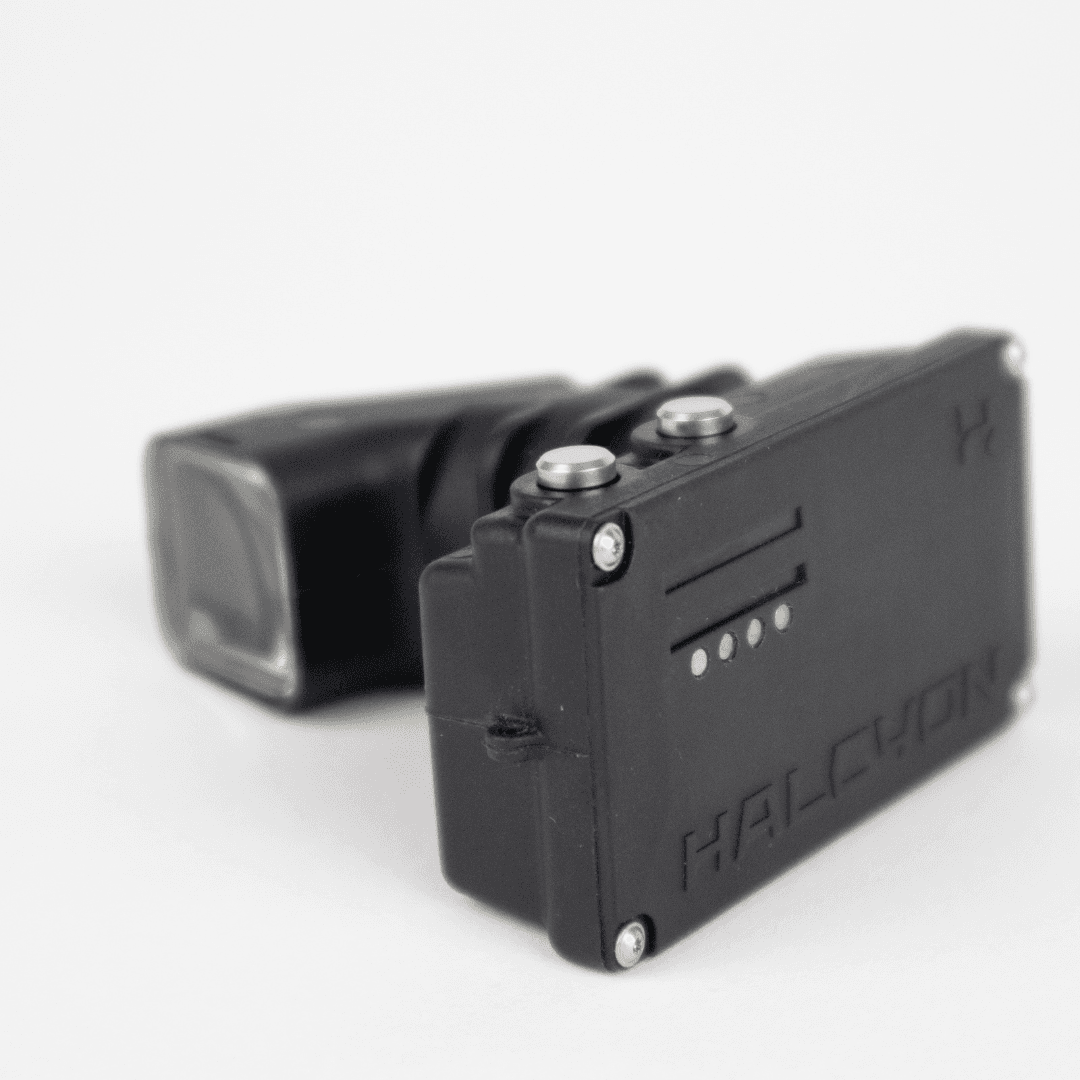
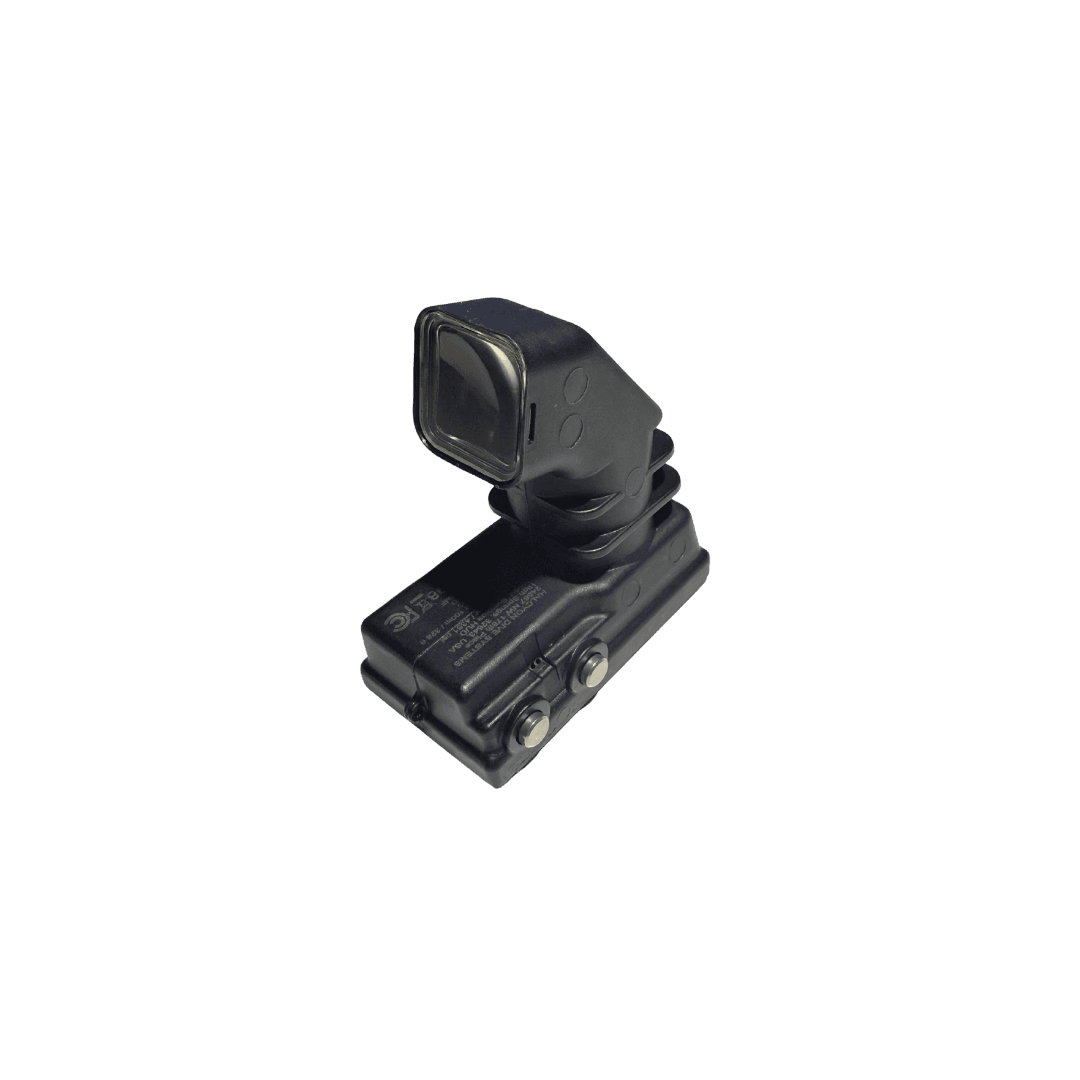
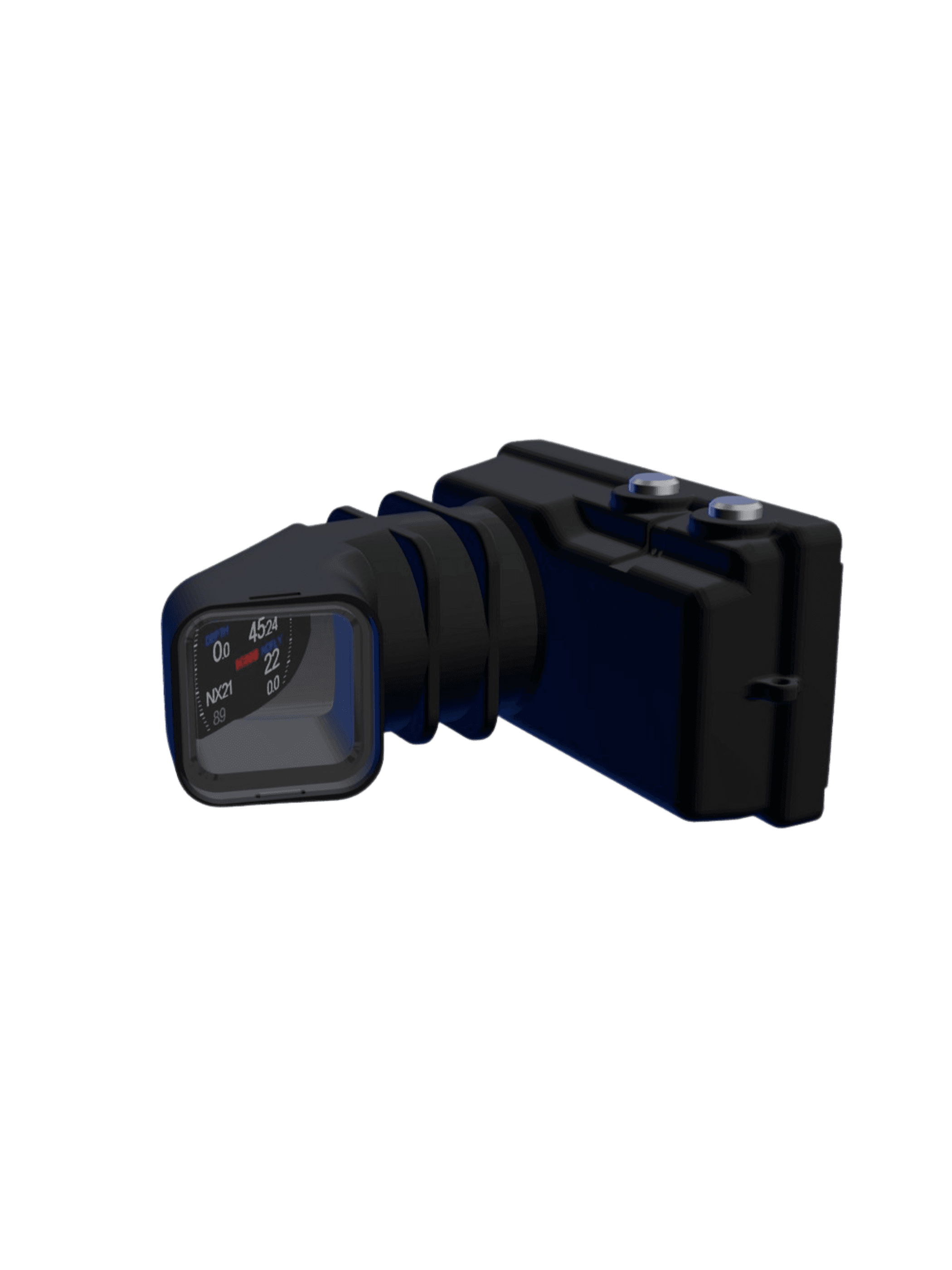
The smallest and lightest HUD available Keeps your dive data in your line of sight without looking down or shifting focus

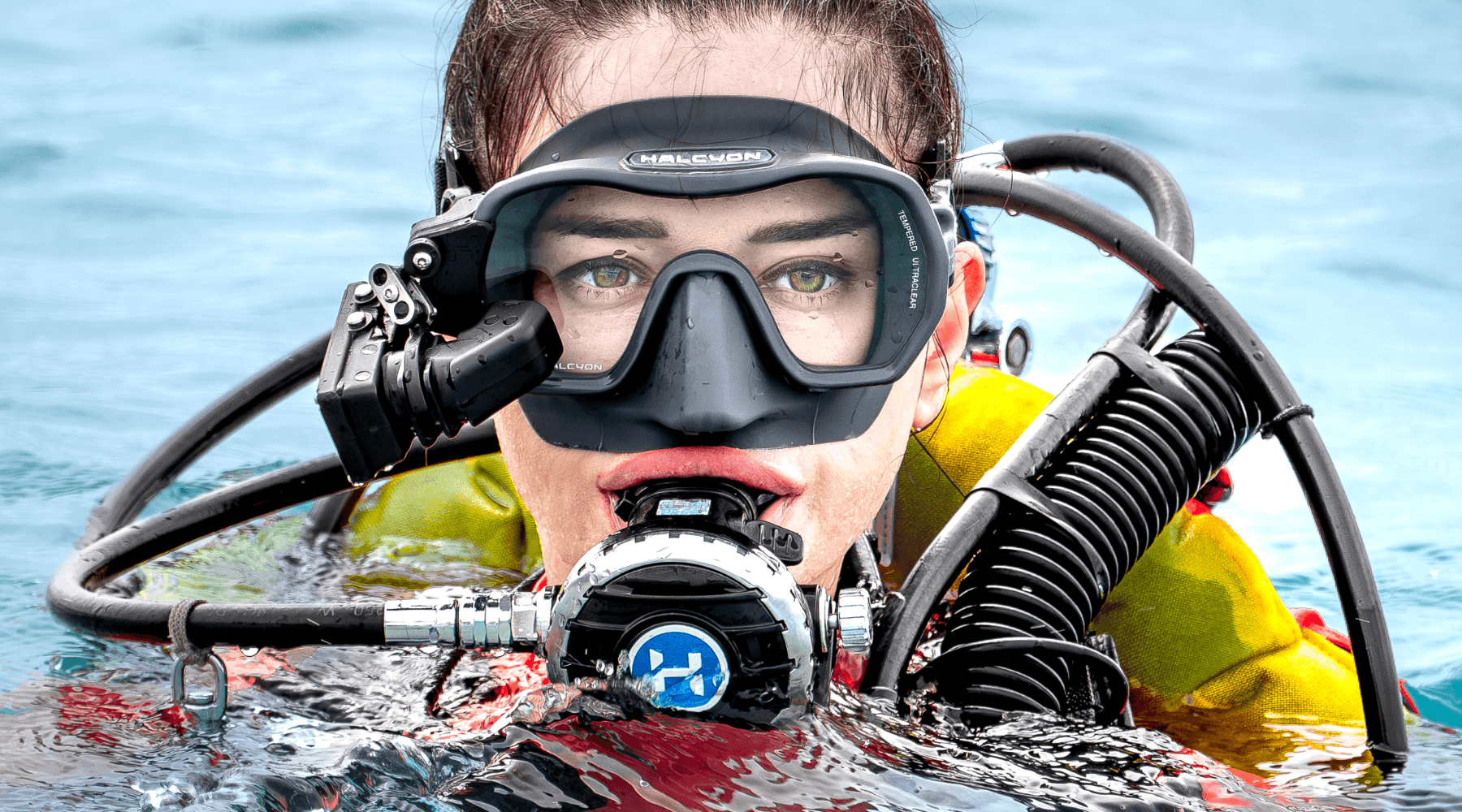
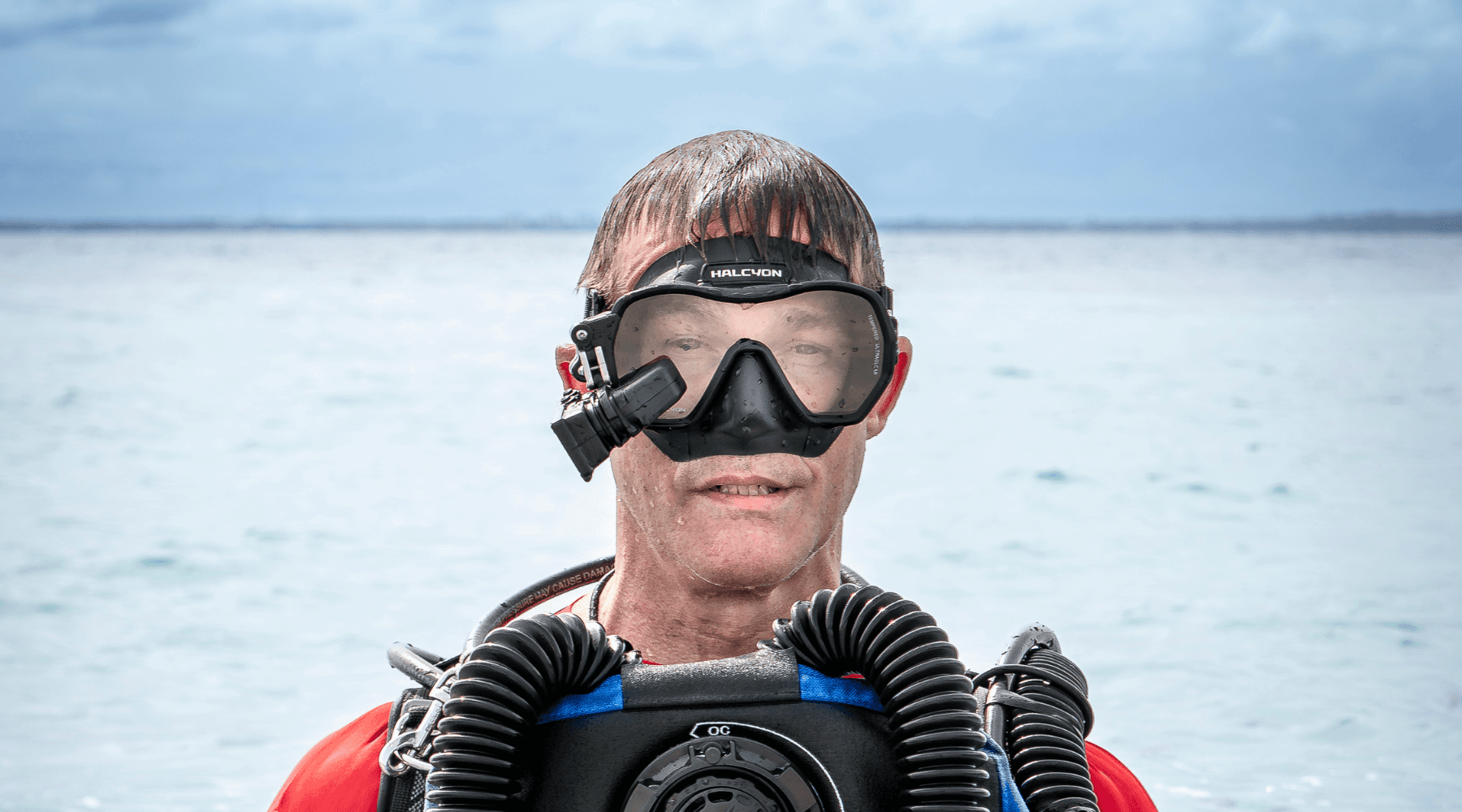
Mask-mounted and fully autonomous Built to remain accessible during movement, task loading, and complex dives

Data Where You Need It

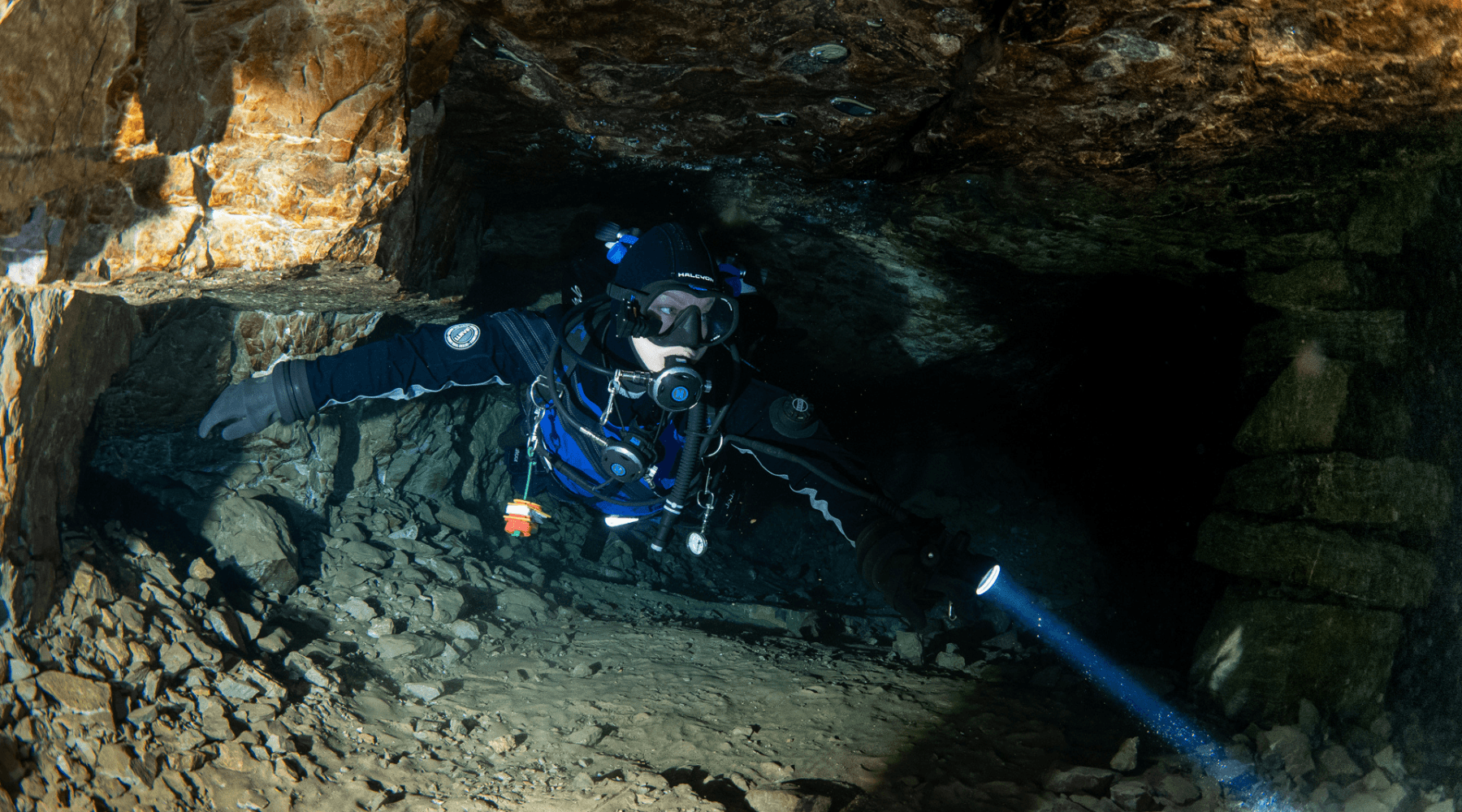
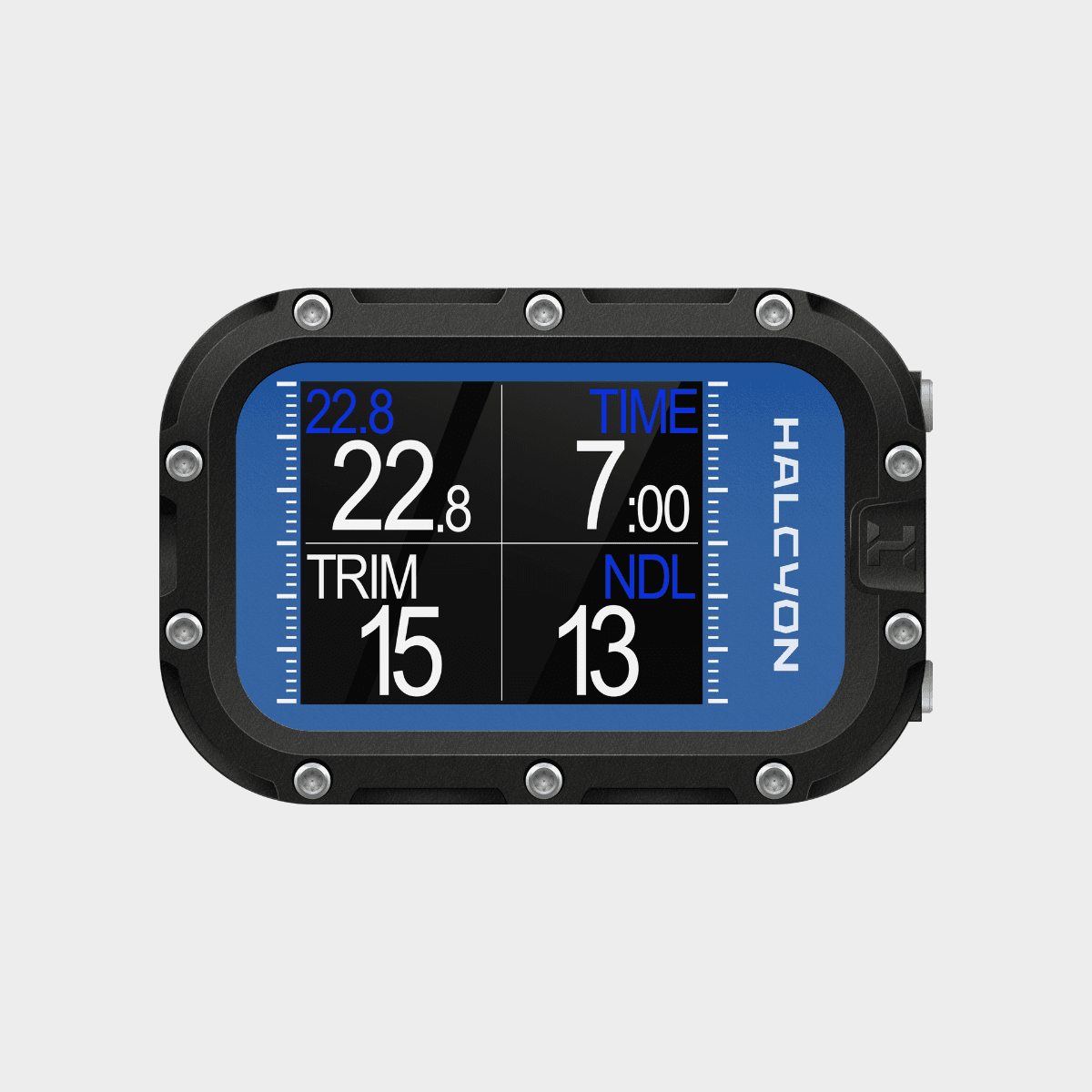
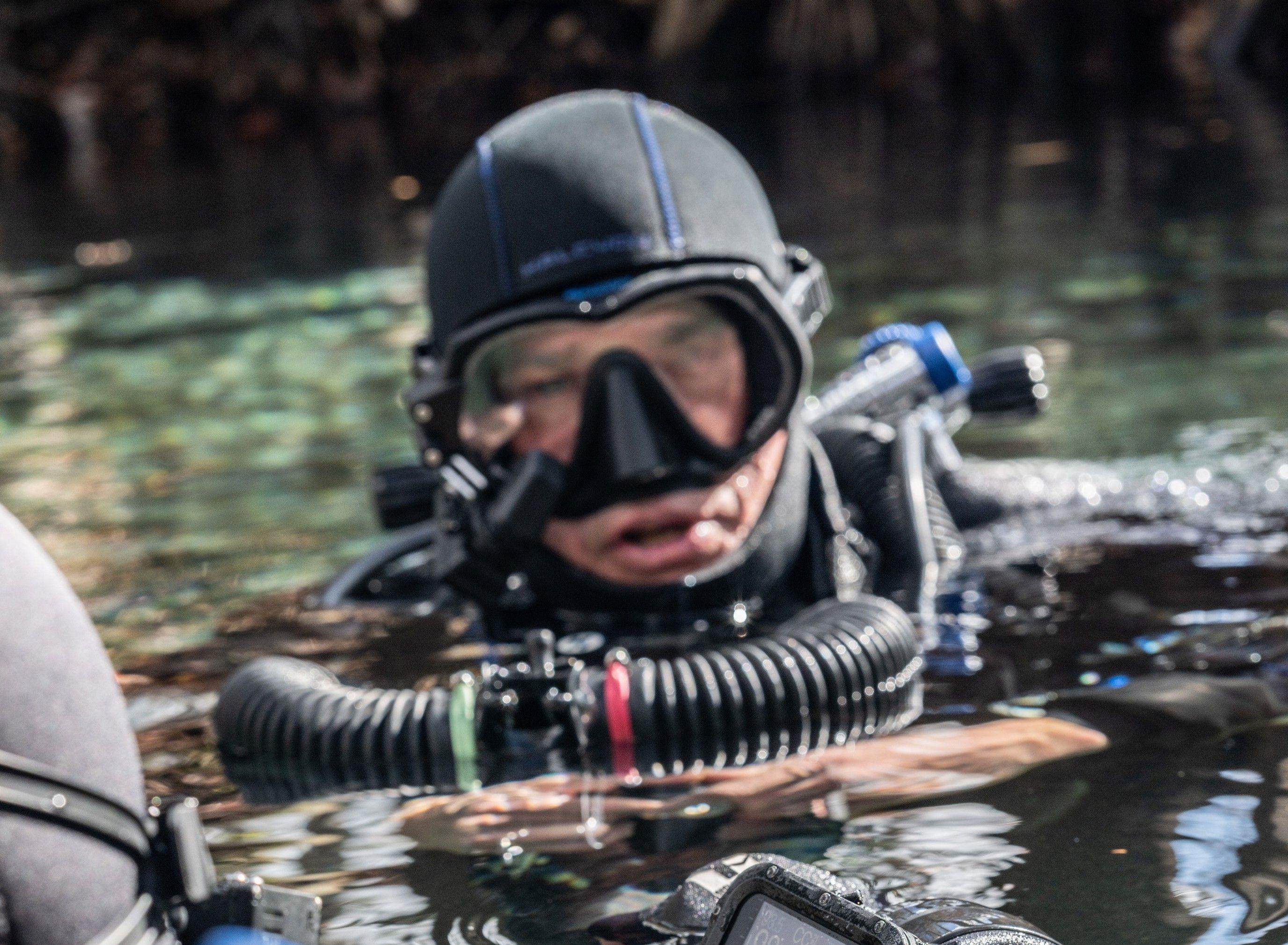
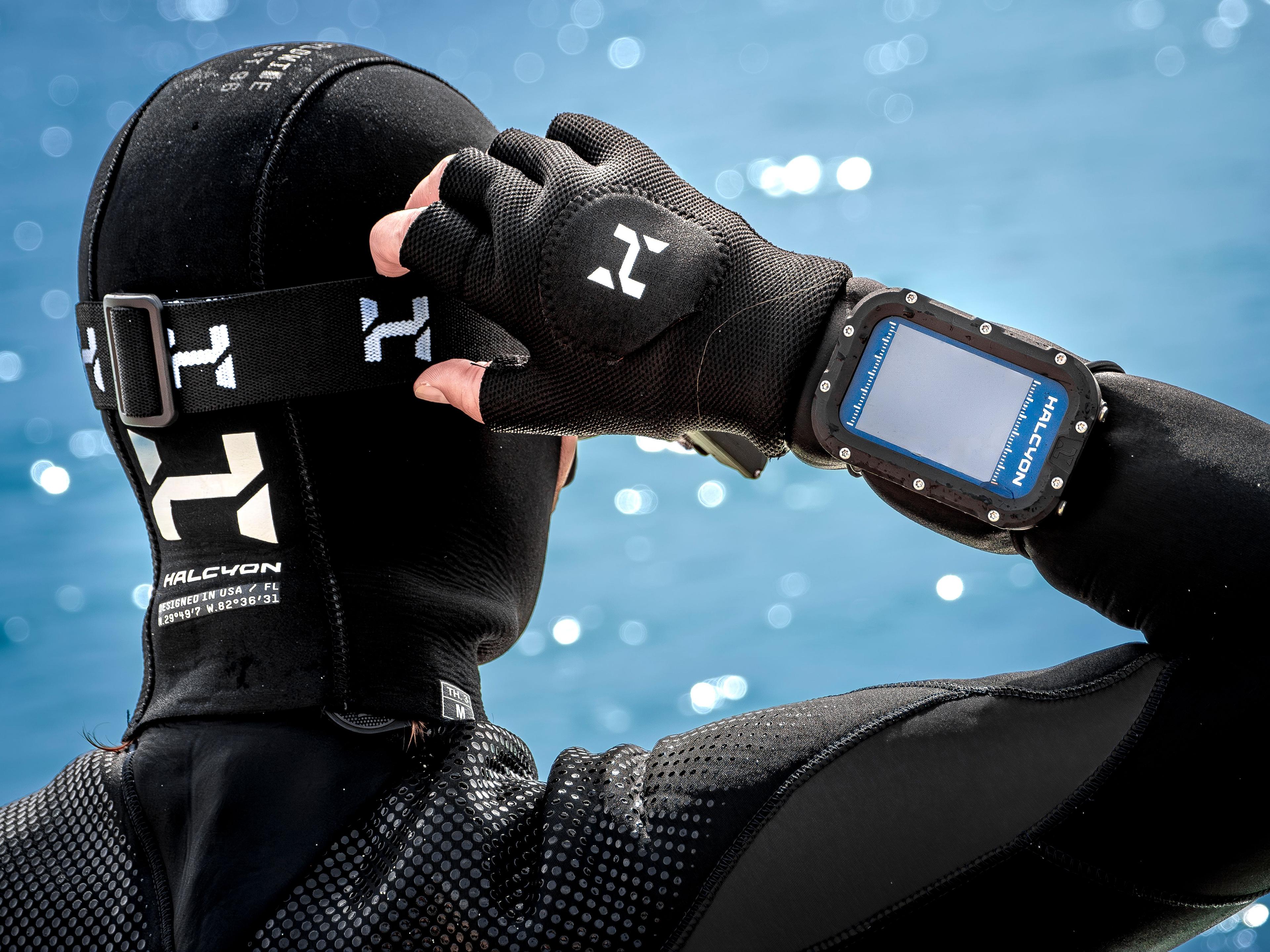
The Symbios HUD displays critical dive information directly in your field of view. It allows you to monitor your dive, your team, and key parameters in real time. Whether diving open circuit or CCR, it keeps information visible and accessible during movement, task loading, or gas sharing.

Symbios HUD computer
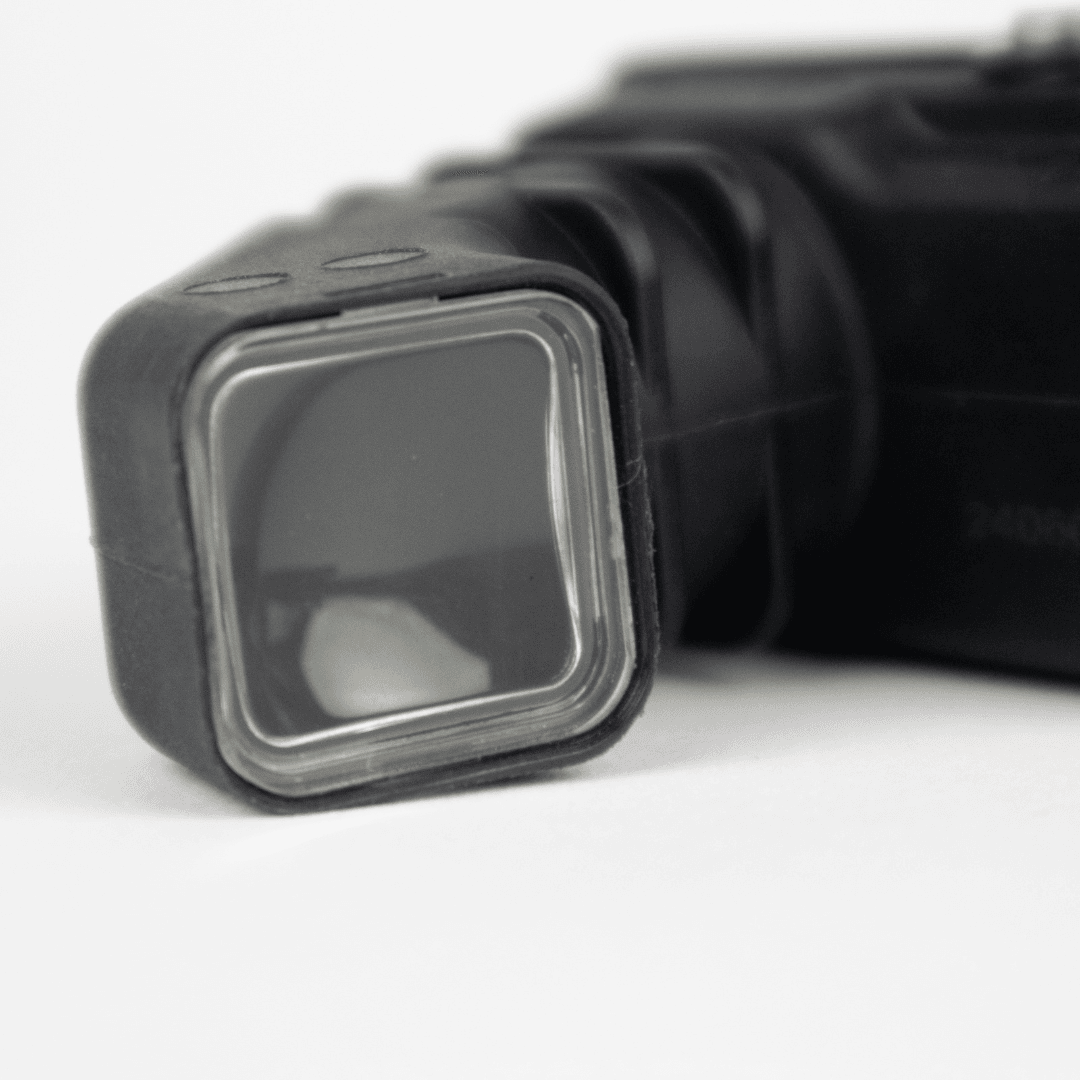
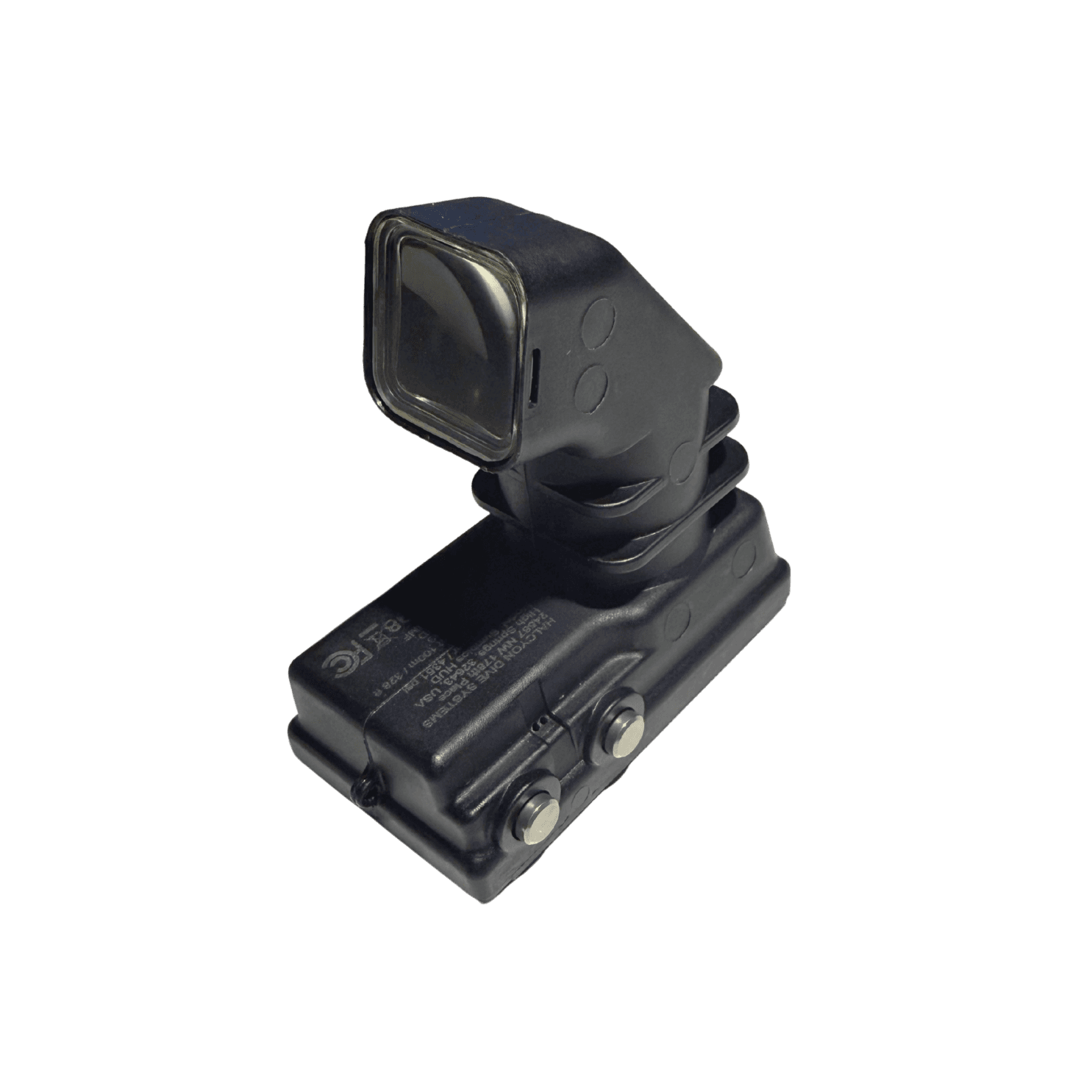
Symbios HUD close-uo
Diver with Halcyon gear
Halcyon hud computer
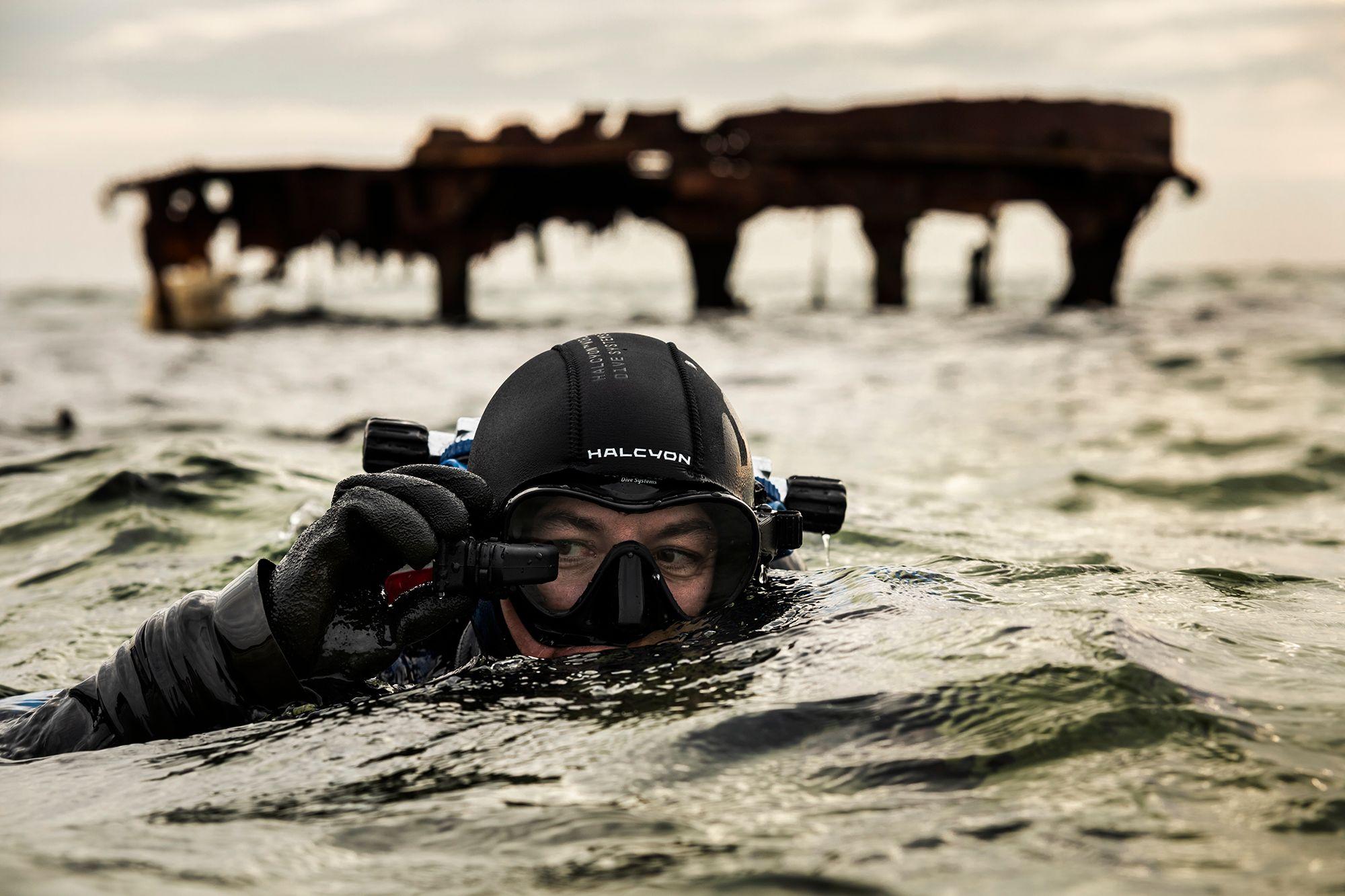
Diver with Symbios HUD underwater
Diver with Symbios HUD computer
1 / 4

Symbios Head-Up Display (HUD)

Technical Overview

Size & Integration

  • The smallest and lightest HUD dive computers available
  • Compact, mask-mounted design reduces bulk and keeps your setup streamlined
  • Always positioned in your natural line of sight

Display & Visibility

  • Large, high-resolution virtual display that remains clear and easy to read throughout the dive
  • Smooth, stable compass and data presentation

Hands-Free Operation

  • Data remains visible without looking down or lifting your arm
  • Frees your hands for equipment handling, photography, or team tasks
  • Remains accessible during movement, gas sharing, or bailout

Team Awareness

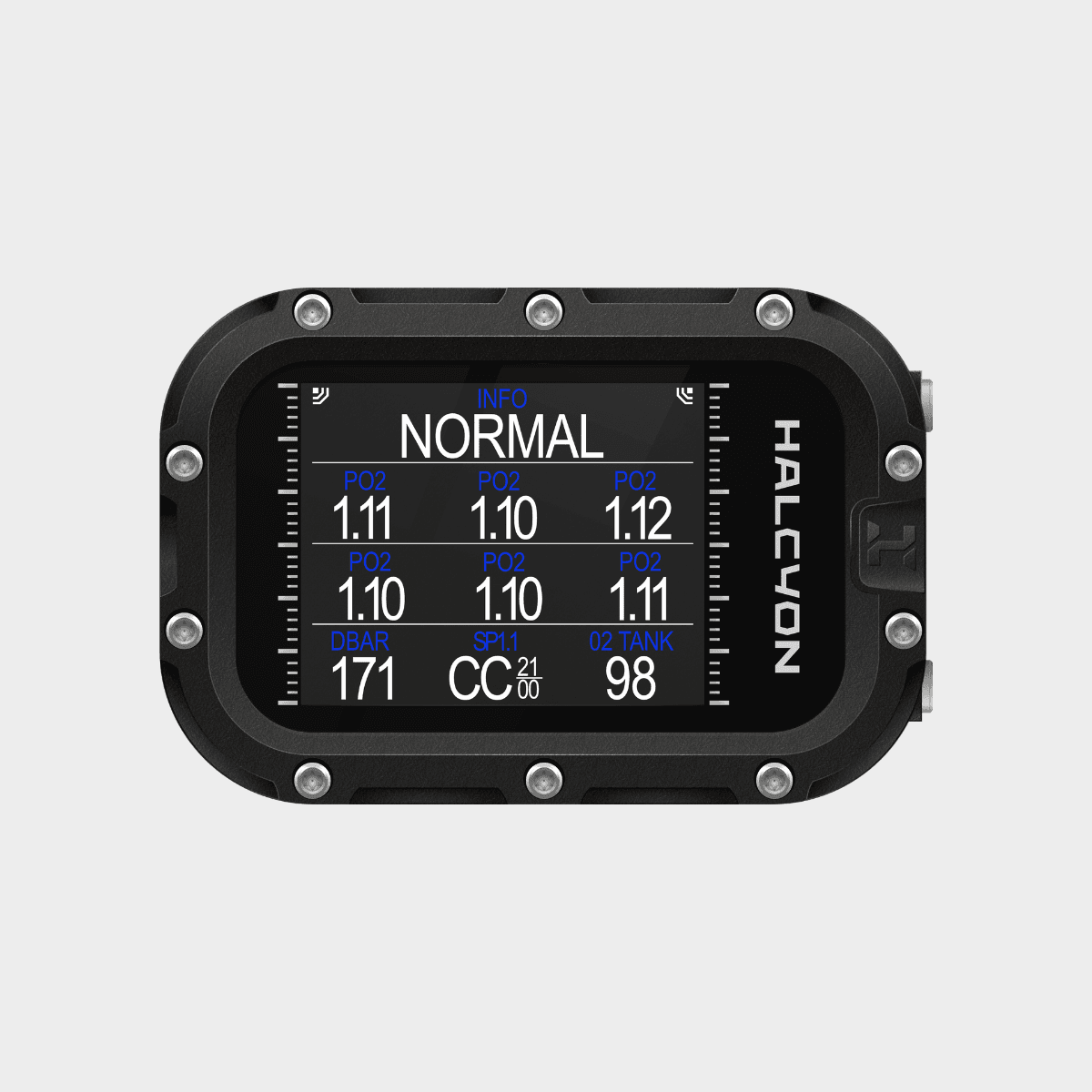
  • View your own and your team's critical gas, PO₂, and life-support data in real time
  • Keeps critical information visible without interrupting the dive
  • Supports better coordination in team diving

CCR Integration

  • Wireless connectivity across the Symbios ecosystem, including tank pressure, CCR information (Symbios and non-Symbios), team data, and DPV integration
  • Access real-time PO₂ data without additional cables

PO₂ Monitoring

  • Clear, color-coded PO₂ display for quick interpretation
  • Highlights normal operation and alerts when attention is required
  • Designed for fast recognition under load

Autonomous Dive Computer

  • Functions as a complete dive computer across multiple dive types
  • Suitable for recreational, technical, and CCR diving
  • No need for a separate wrist-mounted computer

App Integration

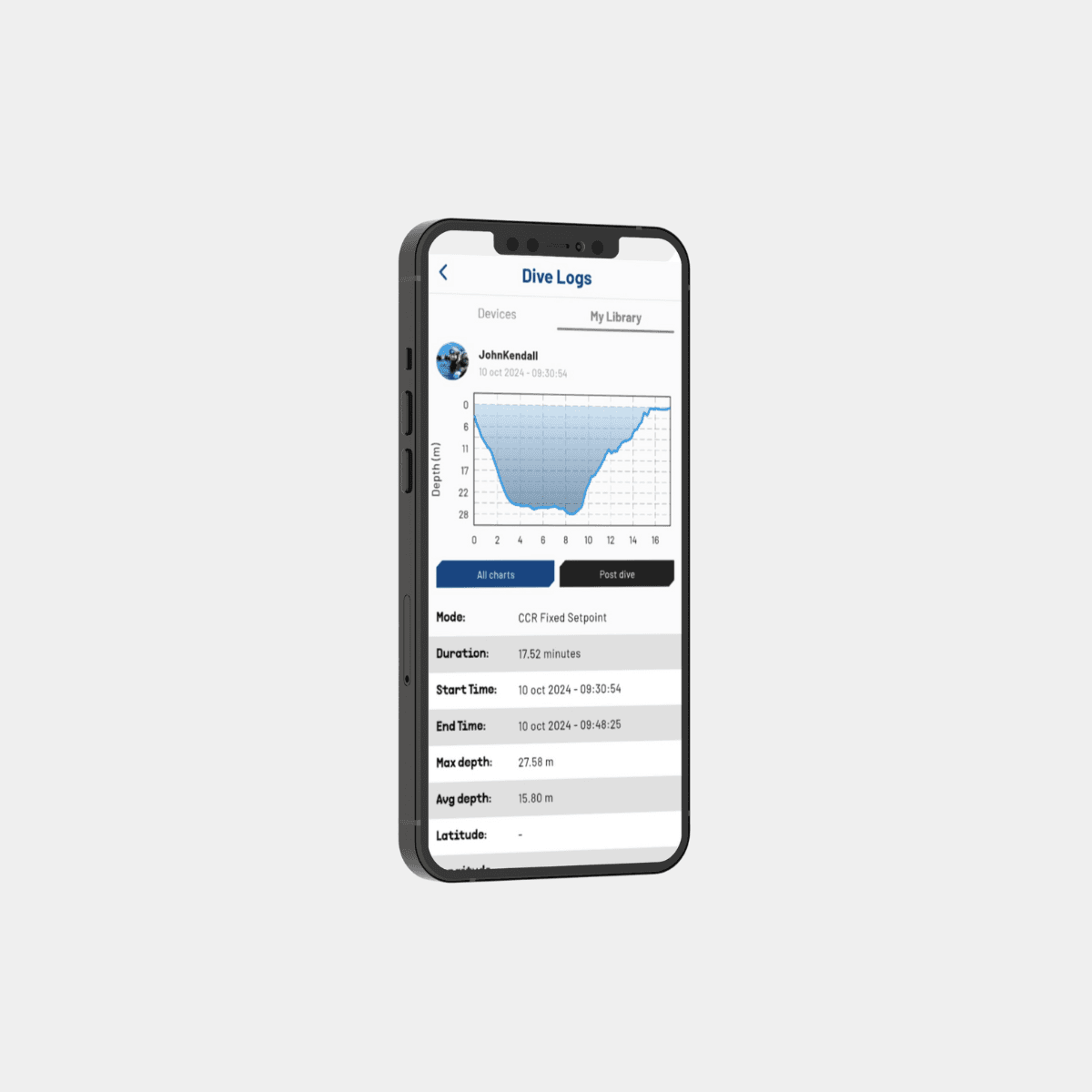
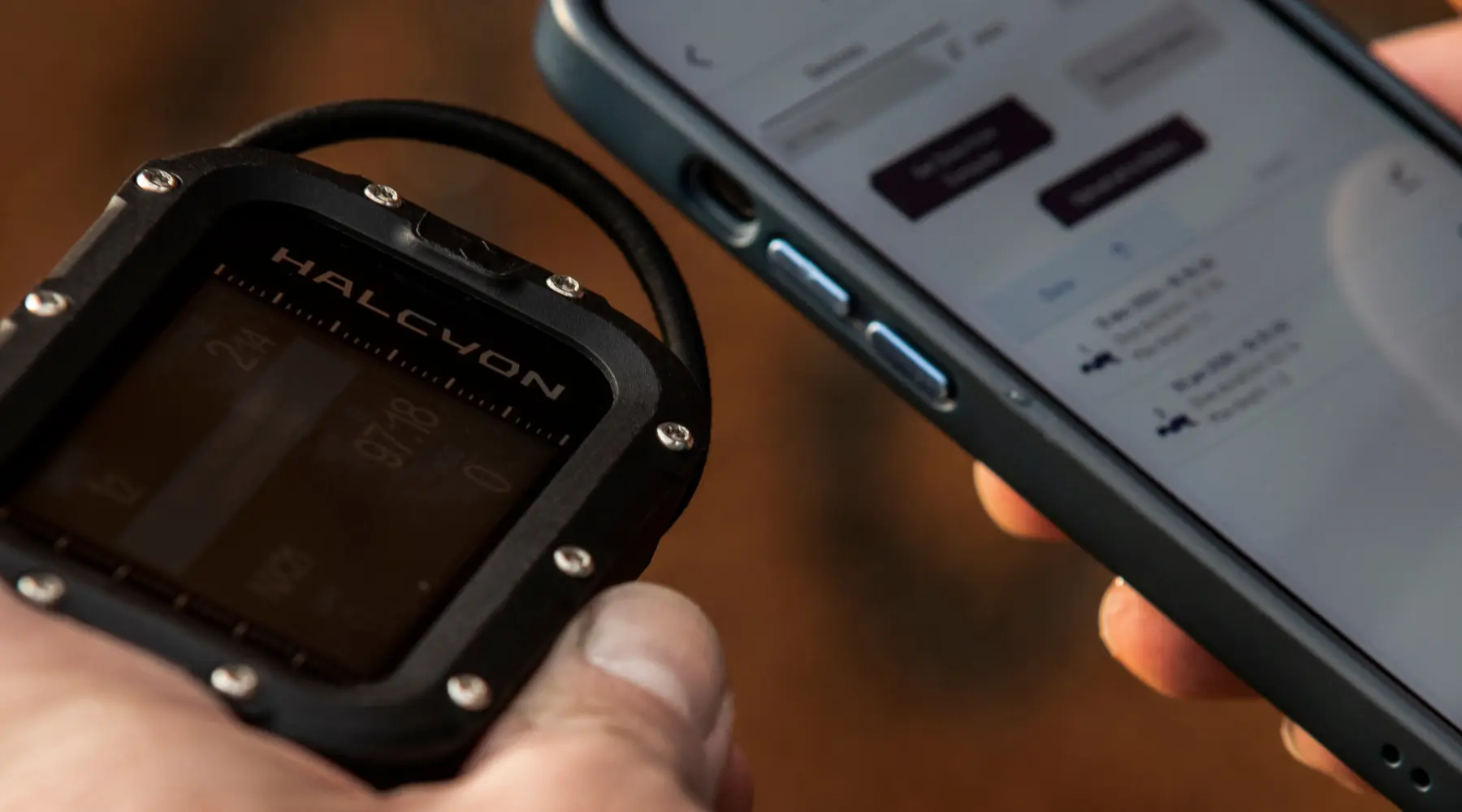
  • Full integration with the Halcyon App
  • Configure settings, profiles, and gases from your phone
  • Run dive simulations, perform pre-dive checks, and review logs
  • Keep your system updated and synchronized

Core Specifications

  • Dive modes: Multi-gas, OC, CCR, gauge, buddy screen
  • Algorithm: ZHL-16C
  • Display: High-resolution micro-display
  • Virtual image: approx. 20 × 20 cm at ~70 cm distance
  • Dimensions: 68.3 × 62.5 × 36.1 mm

View Symbios Brochure

Learn: How to Mount the Symbios HUD Computer to Your Mask

California Residents Only

Please click here for Proposition 65 Warning

Download the Halcyon app

Sync with the Halcyon Symbios Handset for real-time diving data. Manage your settings, track dive profiles, and access advanced metrics—everything you need in one place.

Appstore imgGoogle Play img
Halcyon HUD computer

One device. Infinite insights.

Download Symbios manuals

FAQ

Questions & Answers

Learn more about the features, compatibility, and capabilities of the Symbios HUD. If you have additional questions, our team and dealer network are here to help.

How-To Videos

Symbios HUD Computer Tutorials
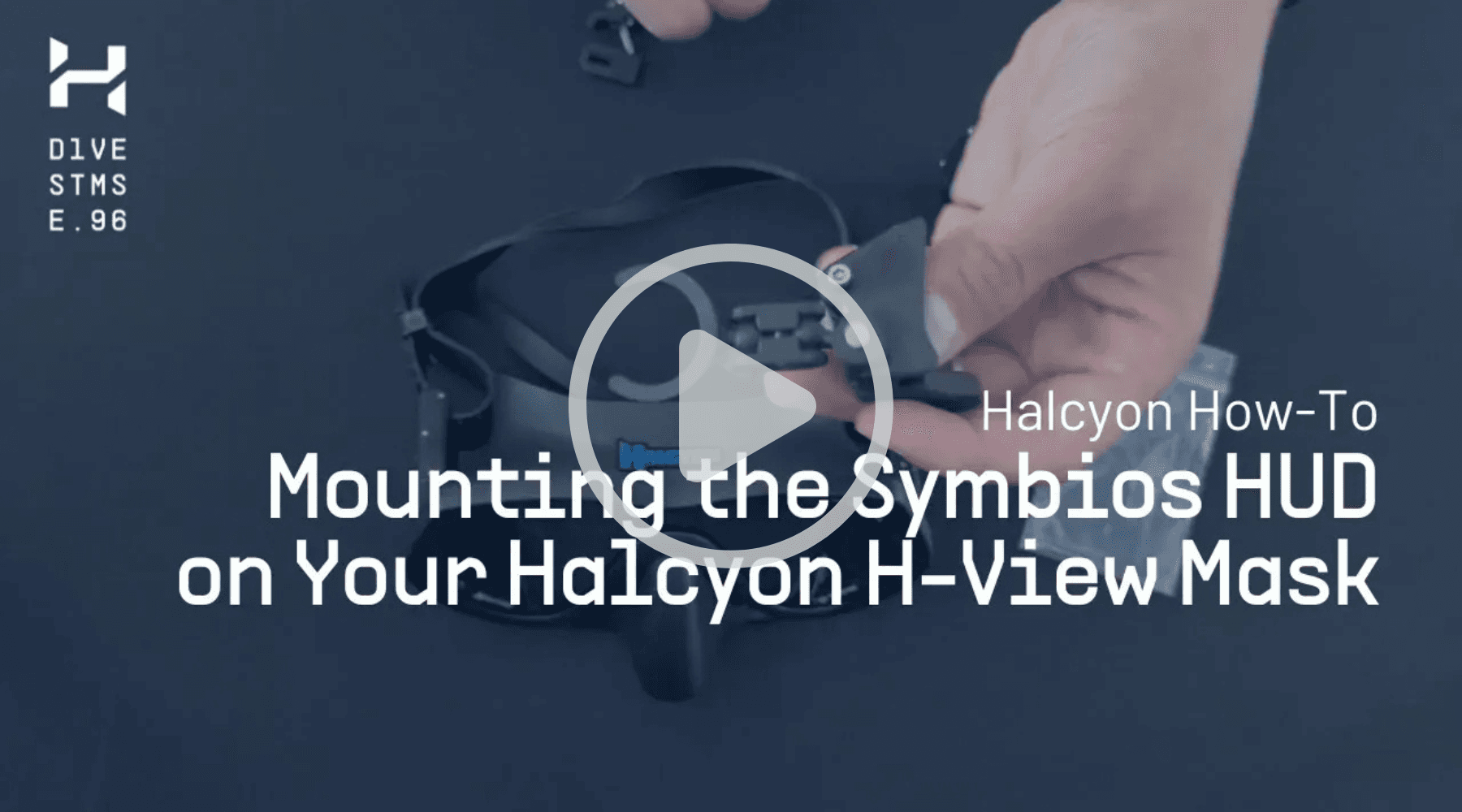
Learn how to mount your HUD, understand key features, and get the most from your Symbios system with these quick video tutorials.

How To Mount the Symbios HUD on the H-View Mask
How To Mount the Symbios HUD on the H-View Mask

How the Halcyon Trim Sensor Works
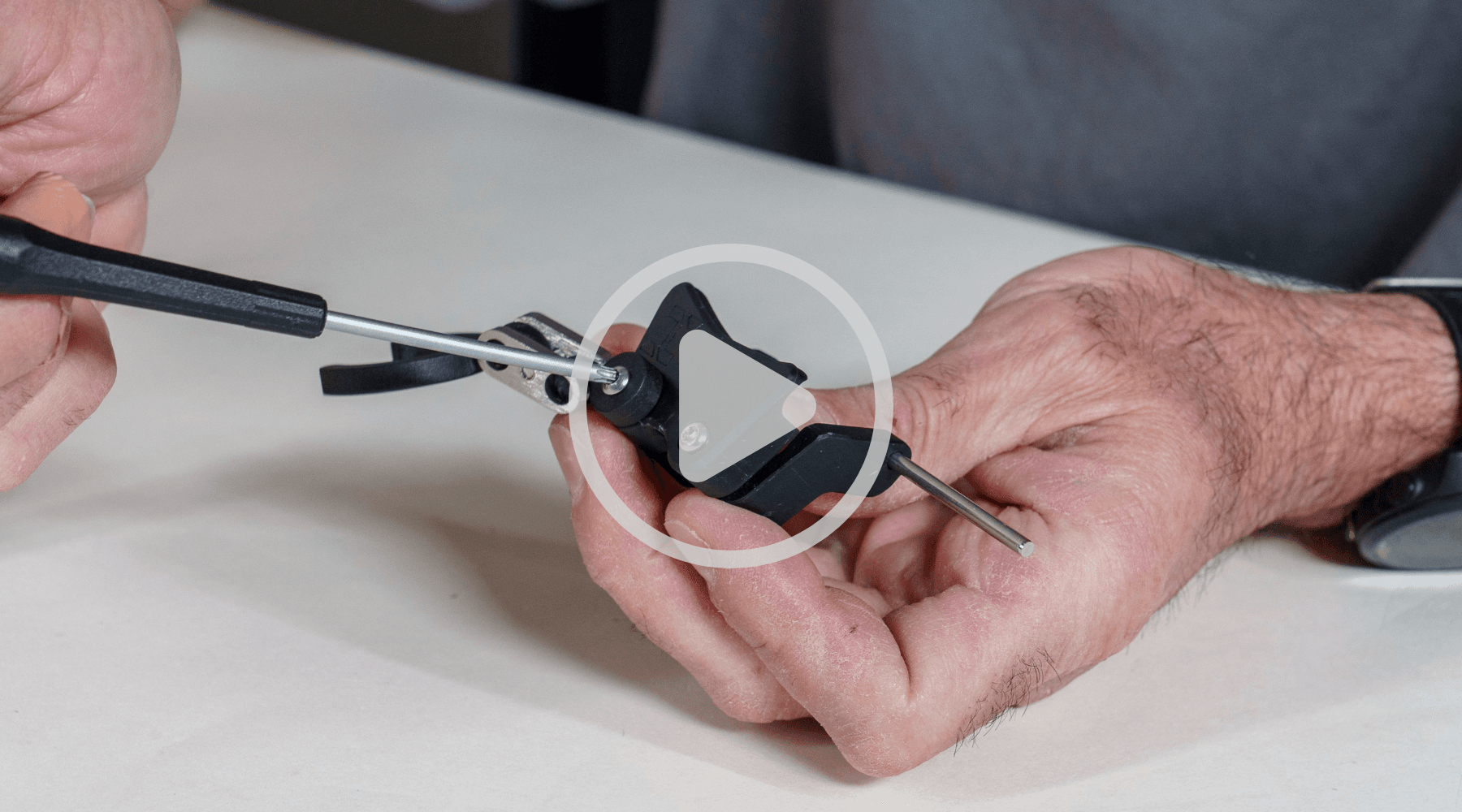
How the Halcyon Trim Sensor Works

How To Mount the Symbios HUD on the Omnis Mask
How To Mount the Symbios HUD on the Omnis Mask
Related products

Symbios™ Computers

Symbios 'Silver' Handset Computer

Symbios 'Silver' Handset Computer

Symbios™ Computers

Symbios Tank Pod - 13.001.005

Symbios Tank Pod - 13.001.005

Symbios™ Computers

Halcyon App

Halcyon App

Symbios™ Computers

Symbios BLUE Handset Computer - 13.001.050

Symbios BLUE Handset Computer - 13.001.050

Rebreather

Symbios™ Chest Mount Rebreather

Symbios™ Chest Mount Rebreather

View more

00:00:00AM

High Springs, Florida, USA

N 29°49’7 W 82°36’31

  • Products
  • News
  • Knowledge
  • About us
  • community
  • Support
  • Contact
  • Rebreather
  • Find a dealer
  • B2B Hub

GO CUSTOM

Get the latest news and insights - Be the first to know

Halcyon dive systems

[email protected](opens email application)
+1 386 454 0811
+1 800 425 2966

24587 NW 178th Place
High Springs, FL 32643

Customer Service Hours

Monday-Thursday
8:00AM - 5:00PM EST

Friday
8:00AM - 11:30AM EST

Halcyone logo

Halcyon © 2026 all rights reserved

App Privacy PolicyPrivacy policyTerms and Conditionsdesign: 247studio
0

Community

Become a Halcyon Insider

Unlock the latest in Halcyon engineering, upcoming releases, and exclusive content created for the explorers who never settle.

Join the Community

Symbios CCR diver
halcyon scuba diver
Symbios computer and app