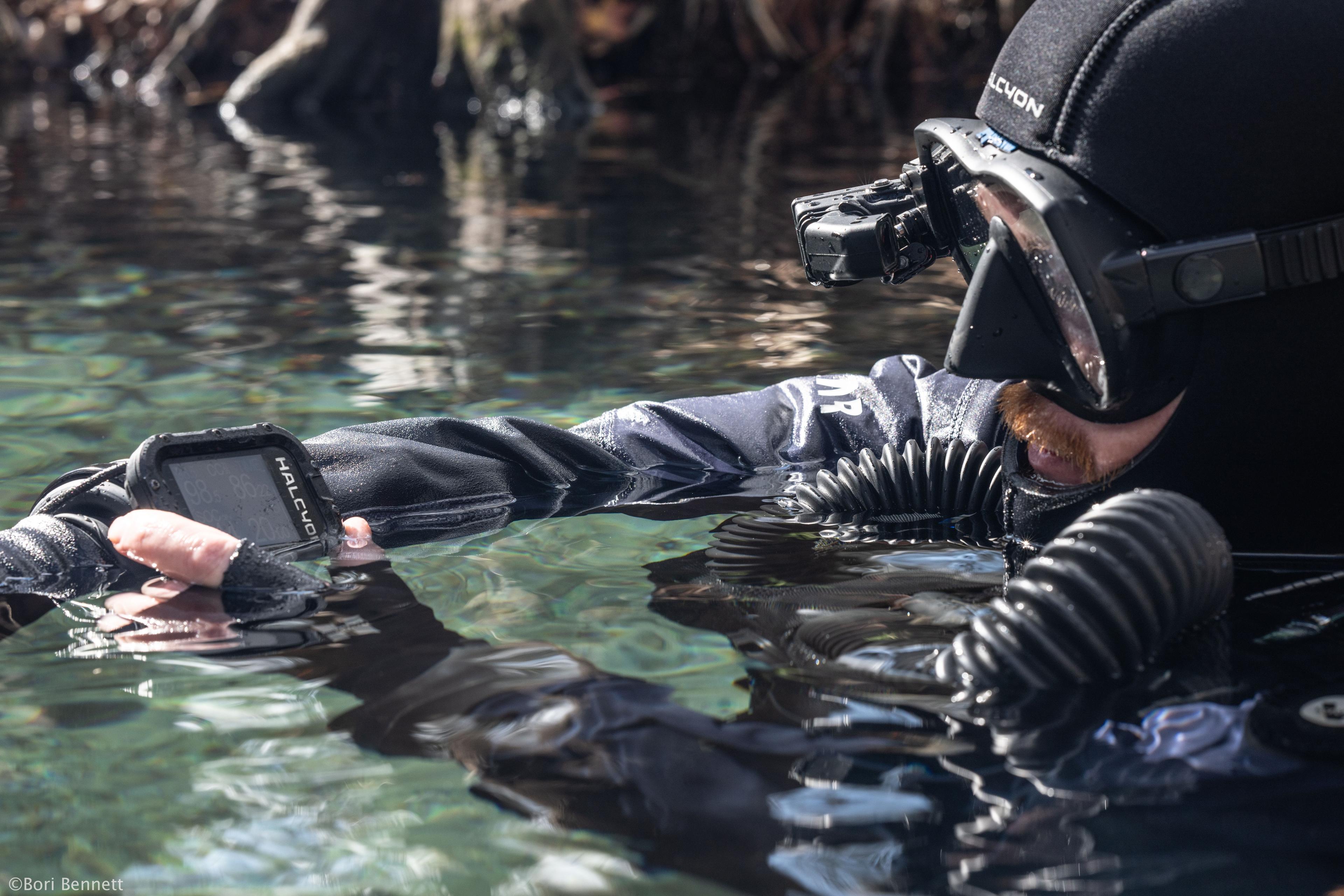
The Symbios platform is a living ecosystem. With regular firmware updates, you can keep your system operating at maximum efficiency and unlock a constantly evolving slate of enhancements: new diving screens, improved functionality, extended Symbios integrations, and more.
You can find the firmware update instructions, the latest firmware files, and archived versions here.
The new Symbios firmware release introduces significant enhancements across the entire ecosystem, expanding connectivity, improving CCR functionality, adding new dive planning capabilities, and providing additional customization tools.
Symbios CCR Head
Expanded Bluetooth Connectivity and App Integration
The Symbios CCR Head now communicates directly with the Halcyon App via Bluetooth, allowing users to:
View complete CCR data in the app.
Modify CCR settings, including setpoints, sensor type, and unit ID.
Access sensor calibration information.
Transfer CCR data directly into the app's electronic checklist.
This seamless integration further strengthens the Symbios ecosystem by simplifying setup, configuration, and pre-dive procedures.
All users must update their CCR firmware via the app or manually using the USB cable.
Enhanced CCR Performance
Several improvements have been made to increase system performance and reliability:
The Dynamic Setpoint can now be configured up to 1.3 bar.
Greenflash optode sensor readout and stability have been further improved.
The exact reason for a sensor calibration failure is now displayed, identifying both the affected sensor and the cause of the failure.
Intelligent Ascent Setpoint Control
A new intelligent ascent algorithm automatically adjusts the selected setpoint when the requested value cannot be achieved at the current depth.
For example, if a diver ascends while still using a high setpoint, the system will automatically provide the best achievable setpoint for that depth without requiring user intervention.
Unlike systems that continuously inject oxygen or switch to a lower setpoint only at predefined depths, Symbios dynamically adapts throughout the ascent to provide optimal performance.
Symbios Handset and HUD
Expanded Symbios Ecosystem Integration
The Symbios ecosystem continues to grow with support for additional wireless devices and functionality:
Soon-to-be-released TriSense gas analyzers can now be paired directly with the Handset and HUD, allowing gas analysis results to be transmitted automatically.
Multiple diluent cylinders can now be paired using multiple Tank Pods.
A dedicated DPV screen has been added to display data received from the DPV Pod (soon-to-be-released).
Users can now monitor the charging process of compatible DPV batteries when using the DPV Pod
GPS screens and related functionality have been updated in preparation for the release of the Symbios GPS Pod.
Enhanced CCR Functionality
Several new features further expand CCR capability:
Symbios CCR users now have multiple bailout options, including Open Circuit or into another rebreather using the CCR FSP mode (Silver Handset and HUD only).
Time To Surface (TTS) calculations can now be based on either Loop pO₂ or Setpoint when diving a Symbios CCR(Silver Handset and HUD only).
A simplified CCR screen is now available on the HUD, displaying average loop pO₂ rather than individual sensor values.
HUD setpoint information is now color coded:
Green: Setpoint and loop pO₂ differ by less than 0.15 bar
Yellow: Difference up to 0.25 bar
Red: Difference greater than 0.25 bar
Improved Navigation and Dive Information
New navigation and display enhancements include:
Compass headings can now be marked instantly using a button shortcut.
The maximum displayed decompression ceiling has been increased to 399 m/ft to support ultra-deep dives.
Deco Stop information can now optionally include remaining stop time (Handset only).
Dive Planning and Safety Enhancements
A fully integrated dive planner has been added to the Handset. The planner calculates decompression obligations in both Open Circuit and Closed Circuit modes and estimates gas consumption during Open Circuit dives.
Additional safety improvements include:
A new ascent rate warning system alerts divers when ascent speed exceeds 10 m/min.
The Handset will additionally vibrate when ascent speed exceeds 20 m/min.
This warning function can be enabled or disabled by the user.
Buttons can now be configured to deactivate automatically when depth exceeds 100 m.
Greater Personalization
Users can now customize the startup screen on both the Handset and HUD directly through the Halcyon App by uploading:
One startup image
Two lines of custom text
This allows divers to personalize their Symbios devices while maintaining seamless synchronization through the app.
Updating Your Devices
Please note that firmware updates for Symbios CCR Heads running older firmware are performed via a USB connection to a desktop or laptop computer, whereas Symbios Handset and HUD updates can be completed wirelessly through the Halcyon App.
FW V2.34.12
Release Date: February 19, 2026
Various bug fixes and improvements
Diluent subitem numbering in “SELECT GAS” menu fixed
Obsolete depth/time removed on the HUD buddy screen
HUD depth and time of previous dive color changed to grey
Housing pressure sensor range checks added during initialization
pO₂ difference warning popup added (appears if pO₂ difference > 0.3 bar and clears if < 0.15 bar) in CCR mode
HUD logbook bug fix for dives >99 minutes
Stopwatch resets automatically if time exceeds 999:59
GPS enable menu item added in system menu (support for upcoming GPS buoy release)
“SAVE GPS” popup added on surface if GPS data available
Long press button B during popup saves waypoint labeled “START”
Long press both buttons dismisses popup
BATTERY FULL indicator added to USB screen if state of charge >96%
Across both the Symbios Handset and HUD, we’ve strengthened system validation and data clarity. Initialization now includes housing pressure sensor range checks, and CCR divers receive a clear pO₂ variance warning when sensor differences exceed defined thresholds. Several interface refinements improve gas selection clarity and remove outdated information from buddy screens.
Logbook and timing behavior have also been corrected, including resolution of the >99-minute HUD display issue and automatic reset of the stopwatch when exceeding its upper limit.
This update further prepares the Symbios ecosystem for expanded GPS capability. With GPS enabled, surface detection triggers a “SAVE GPS” prompt, allowing divers to quickly mark a “START” waypoint or dismiss the popup as needed.
This release also expands Tactical functionality for authorized military-use configurations. These new Tactical features are exclusive to designated Tactical Handset units and are not available on standard units. The interface has been streamlined, menu access improved, and display behavior refined for operational flexibility.
Finally, charging feedback has been improved with a clear BATTERY FULL indicator once the state of charge exceeds 96 percent.
FW V2.33.11
The Symbios team has unlocked functional enhancements such as:
New screen options
Expanded “Training” mode functionality
Color-enhanced warning popups
Extensions in the links for Symbios-enabled products
Enhanced buddy screen functionality
Expansion for gas management
Improvements in the dive log import functionality
Refinement in pushing gas profiles to ensure overwriting of Handset selected gas
Selection of last deco stop
Dive and deco pO2 differentiation to trigger pO2 high popup warning
We’ve also added remaining gas time, equivalent gas consumption, and buddy gas as custom field options in OC and sidemount mode, allowing users to track personal gas consumption or the tank pressure of dive buddies while using the Symbios POD. This custom field (which is enabled by the user) enhances several optional screens including those dedicated for decompression stops, buddy information, gradient factor/tissue loading, wireless data sources, dive profile, and GPS navigation.
Users can now end a “training” dive simulation and resume normal computer functionality. This feature augments the five training profiles installed in Symbios computers, allowing users to run simulated decompression and ascent profiles while practicing efficient ascents and decompression stops—for example, adding +10 min at 40 m/130 ft and +10 min at 60 m/200 ft to an actual dive profile.
We’ve expanded the GPS module to allow for detection of previous GPS waypoints, extending beta testers’ ability to log “home” and multiple waypoints. In the near future, users will be able to launch a GPS buoy to the surface, allowing the buoy to capture and record a GPS signal. When the diver reels the buoy back to their current position, the Symbios ecosystem will capture and present that current position in relation to recent waypoints and “home” location.
We’ve extended the Symbios enabled battery detection beyond DPVs to include functionality for Symbios-enabled lights allowing wireless transmission of remaining run time (RRT) and state of charge (SOC). This functionality is in active beta testing for release in 2025.
Finally, we’ve enhanced functionality for third-party CCR pairings and added appropriate hooks to support a forthcoming gas analyzer.
Release Notes for firmware changes since the public launch of Symbios Computers